

Chip tuning Diagnostics Odometers Other Kits
0 items items items
Sum
0
Order details
Total: 0
Shopping cart
3
reasons to choose our shop
Delivery Worlwide delivery
Store warranty for 1 year
11 years and discounts

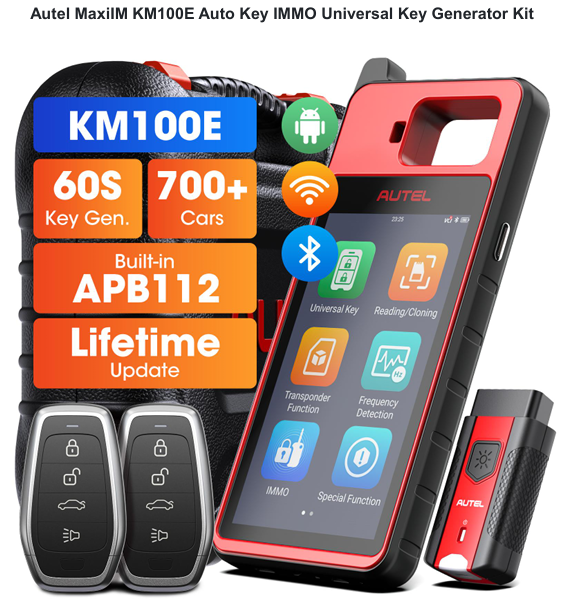
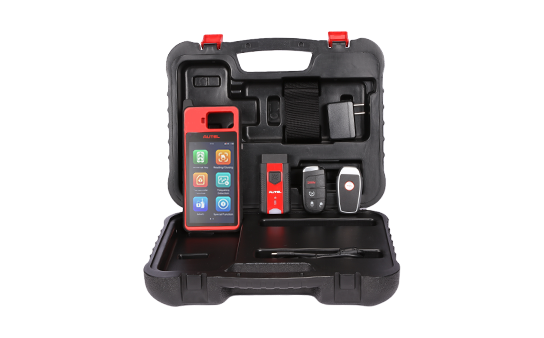
Autel MaxiIM KM100E Programmer

Manufacturer
Contents of delivery
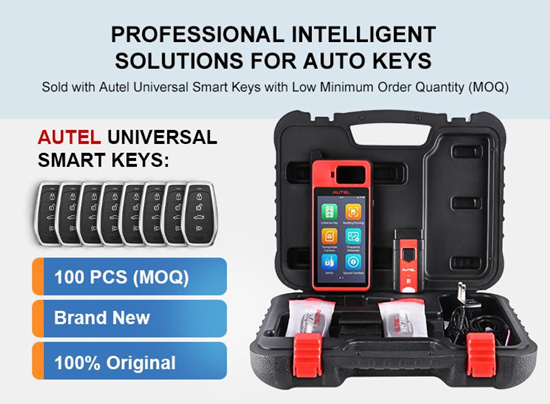
  • 1pc X OBD Adapter
  • 2pcs X Universal Keys
  • 1pc X KM-100 Key Generator
  • 1pc X Hard Shell Carrying Case
Downloads
Basic equipment
Autel MaxiIM KM100E Programmer — 500 $
+ Add
Status: Pre-order

The MaxiIM KM100 is an innovative touchscreen tablet for programming keys and immobilizers that can create keys via OBD and program them to the immobilizer. This 5.5" Android touchscreen tablet with Bluetooth VCI is capable of programming the AUTEL IKEY as a smart key replacement for more than 700 vehicles and offers WFS programming functions for several vehicle brands, including BMW, VW, Toyota, Honda and GM. Other innovative features include key renewal and transponder processing with 20 supported protocols.

Other Features:

  • Android-based touch screen device
  • Contains MaxiVCI PLC 200 so you can perform key simulation and key learning after generating a key.
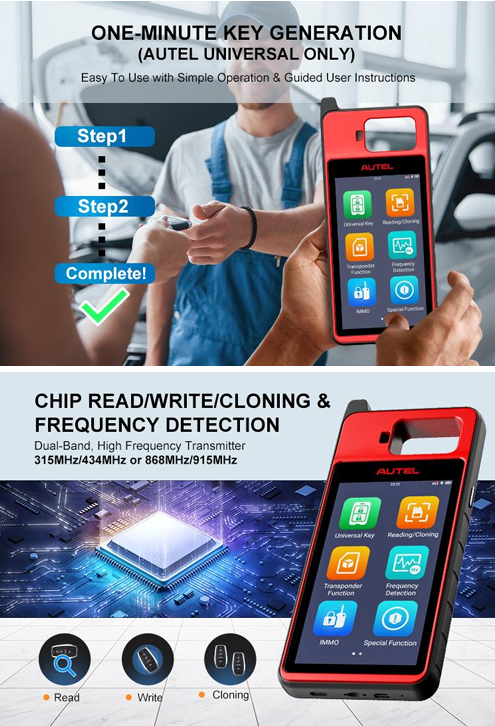
  • You can generate the key and go directly into programming with two button presses.
  • Use the USB cable to transfer data from another device, such as IM608, to a laptop and from the laptop to the key tool.
  • The key tool comes with 2 blank keys for you to use at your convenience. One has the Autel logo on the back and the other does not.
  • The immo programming is very impressive. It is same as im508 for immo but without a programmer. You can use it instead of im508 im608 on many vehicles to program keys as it’s simple and easy to pack/unpack and compact, it’s convenient.

Technical specifications

  • OE-Level Quality
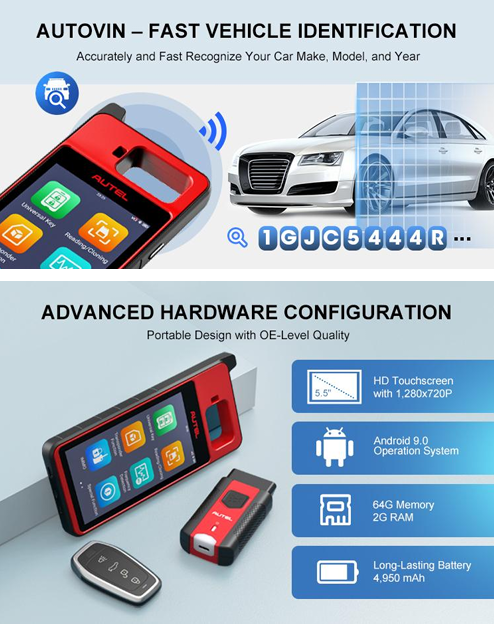
  • Screen: Size: 5.5 Inch; Resolution: 1,280 x 720p
  • 64G Memory, 2G RAM
  • 8MP Camera
  • Wi-Fi and Bluetooth
  • Battery: 4,950 mAh

How to Generate Key via Autel KM100?

  1. Automatically scan the VIN code to obtain vehicle information
  2. Obtain model information by scanning the VIN barcode on the nameplate
  3. Scan the license plate number to confirm the model, if you can't scan it, you need to enter it manually.
  4. PLC V200 Bluetooth picks up the car, after generating the remote control, you can directly select the immo function to match the key, without the need to push back to the main interface to select the IMMO function, and then re-select the model.

The technical support is provided by the developer.

Registration
×
×
Password recovery
A password reset instruction will be sent to the email you provided during registration.
Recovery
Ready!
An email with a password recovery link has been successfully sent to your email address.
×
Thank you for the subscription!
Your Email has been added to the list. You will be the first to know about all the news!
×
Your message has been sent
Our specialist will contact you as soon as possible.
OK