Search history
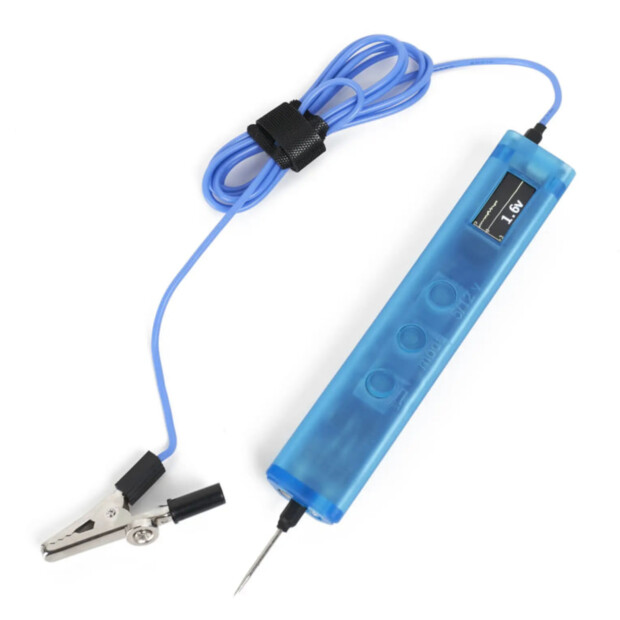

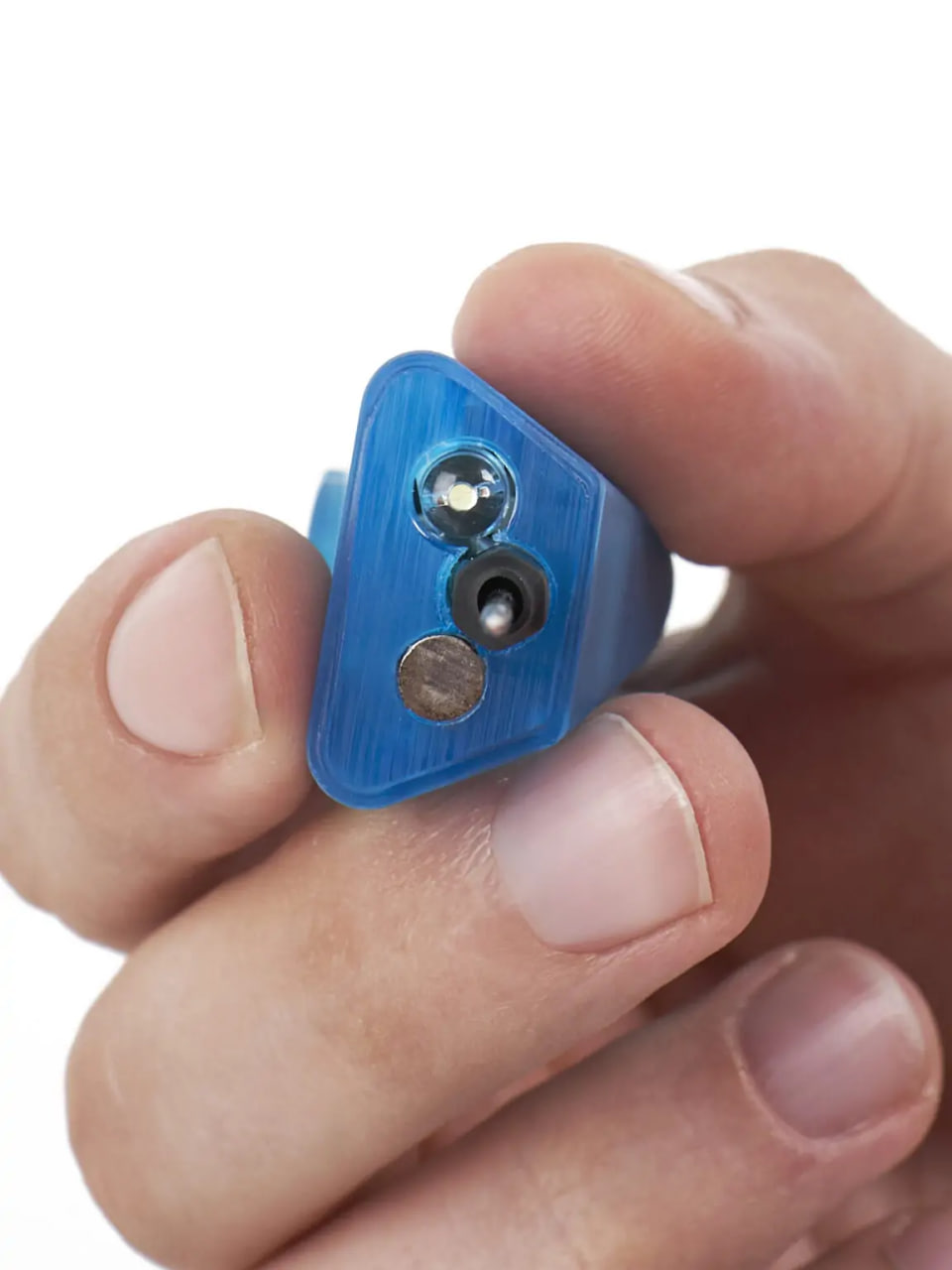
Kontrolka PRO is a tool with an Android app that records waveforms to its internal memory and transmits them via Bluetooth to the KONTROLka app on your phone; it also displays the signal on a 240×320 color screen and can smoothly apply a voltage ranging from 0 to 12 V to the probe tip. It supports CAN bus (at 125 and 500 kbps) and LIN bus protocols.
This device works with vehicle electrical systems ranging from 12V to 30V and supports CAN and LIN bus protocols—making it suitable for diagnosing the electrical components of any vehicle or machine, from electric scooters to combine harvesters.
Passenger cars: sensors, fuel injectors, CAN buses
Trucks: 24V electrical systems, trailers
Agricultural machinery: combine harvesters, tractors
Specialized heavy equipment: excavators, loaders
Electric scooters: controllers, displays, BMS (Battery Management Systems)
Electric bicycles: hub motors, controllers
Tasks that typically take half a day can be completed in minutes with the "Kontrolka" (diagnostic probe). Here are the four most common tasks for an auto electrician—and how this tool addresses each one:
Power Supply Testing
Checking for voltage and identifying "false positives" (ghost voltage) is easy, as a 50-ohm load button is always at your fingertips. You can also detect poor grounds or corroded wires in power and signal circuits by applying a load using the built-in pull-up/loading feature.
CAN Bus Testing
Work safely with CAN bus systems. Identify connection points and measure signal levels during diagnostics.
Ignition Coil Diagnostics
View the primary winding signal waveform, and measure spark duration and control pulse timing. This makes it easy to spot inter-turn short circuits, as well as issues with the coil driver or power supply.
Crankshaft Position Sensor (CKP) Testing
Measure pull-up voltage and analyze the signal waveform. You can clearly see missing teeth, defects in the reluctor wheel (trigger disc), and any signal interference.
Three steps that the device guides you through. Below are actual app screens: the main waveform view and various operating modes.
01 Connect
Attach the alligator clip to ground, turn on the diagnostic tool, and place the probe at the measurement point. The tool starts up instantly—no configuration required.
02 Identify the signal
The device and app screens automatically adapt to the signal, identifying its type and displaying its parameters.
03 Get the result
Open the waveform to analyze it. You can clearly see signal edges, spikes, and electrical parameters.
When an oscilloscope trace isn’t required and a quick assessment suffices, the app switches to voltmeter mode, featuring an analog scale, the current reading, and measurement statistics.
Analog scale — gauge the value at a glance, without needing to read the digits.
Min · Max · Δ — the signal range is calculated automatically.
Reset — start a new measurement with a single tap.
Technical support is provided by the developer directly.
.jpg)
.jpg)